Photo Video Collage maker Tips1.0.2
Publisher Description
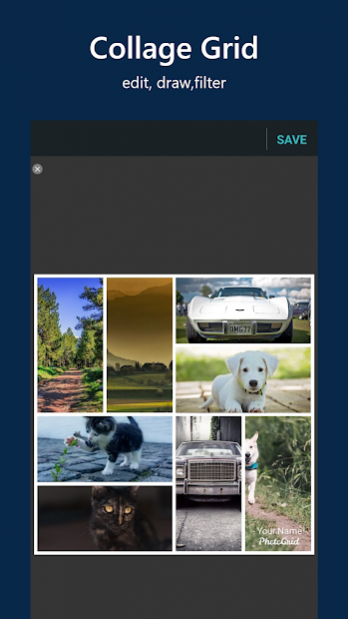
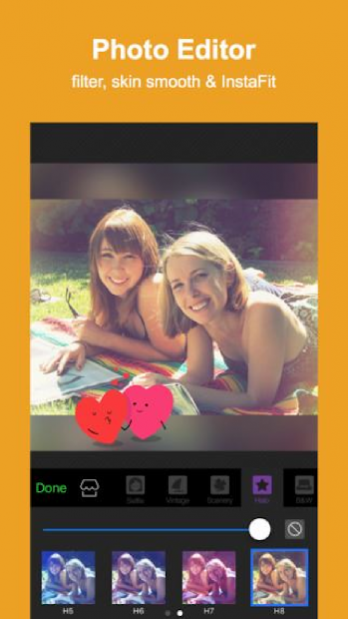
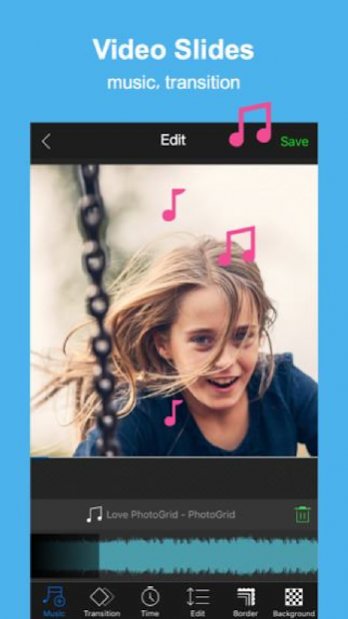

If you are looking for a combined photo editor app, then you are in the right place. Photogrid app is free, fast and accessible on all devices.
PhotoGrid editing app
🖼️ allows you to crop, rotate, resize, blur, and beautify your photos easily. In just a few clicks you will have your new creation completely ready.
Photogrid photo and vidoe editor app
is an app which will provide everything you need to make eye-catching images. Photogrid collage maker app has many useful features which are easy to use. The main feature is photogrid Grid, which is for making a photo collage with more than two pictures. Another cool features of photogrid maker app are as follows:
1.
Make photogrid collage with multiple photos or videos.
2.
Choose short (15 seconds) photogrid music🎶 clip, have it on your video and save.
3.
Decorate your pics by applying fantastic photogrid filters,✨ adding stickers and text.
4.
Add effects of sketch, rainbow🌈, etc.
5.
Create photogrid slideshow.
By using photogrid free app, stylise your photographs and add stickers, text and other types of effects to a customized background.
Important note:
❗
This is just an informative guide. We just want you to be aware of the app. If you have any questions or suggestions, give us feedback and rate us.⭐
About Photo Video Collage maker Tips
The company that develops Photo Video Collage maker Tips is SpaserTransfer. The latest version released by its developer is 1.0.2.
To install Photo Video Collage maker Tips on your Android device, just click the green Continue To App button above to start the installation process. The app is listed on our website since 2022-04-08 and was downloaded 17 times. We have already checked if the download link is safe, however for your own protection we recommend that you scan the downloaded app with your antivirus. Your antivirus may detect the Photo Video Collage maker Tips as malware as malware if the download link to com.PhotoGritips.ane is broken.
How to install Photo Video Collage maker Tips on your Android device:
- Click on the Continue To App button on our website. This will redirect you to Google Play.
- Once the Photo Video Collage maker Tips is shown in the Google Play listing of your Android device, you can start its download and installation. Tap on the Install button located below the search bar and to the right of the app icon.
- A pop-up window with the permissions required by Photo Video Collage maker Tips will be shown. Click on Accept to continue the process.
- Photo Video Collage maker Tips will be downloaded onto your device, displaying a progress. Once the download completes, the installation will start and you'll get a notification after the installation is finished.
